


WEBCAMS
Professional webcams are now widely used in everyday life. These small, clever devices accompany us almost everywhere—they assist in work, education, and often help us pursue hobbies or create video blogs. Choosing the right webcam is crucial, especially when it’s part of our daily routine.
That’s why we’ve prepared a diverse selection of the best webcams, including specifically designed desktop computer webcams. All our products come from trusted, reputable manufacturers and enjoy worldwide customer recognition.


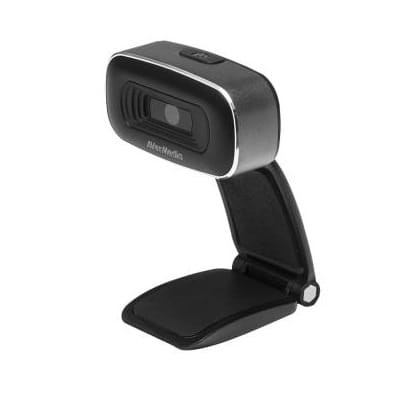
AverMedia HD Webcam 310O (PW310O)


AVerMedia Live Streamer CAM 313 - PW313

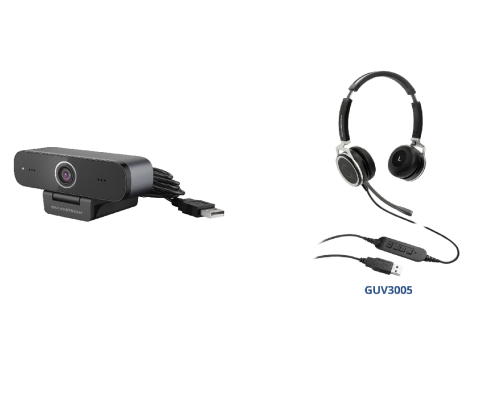


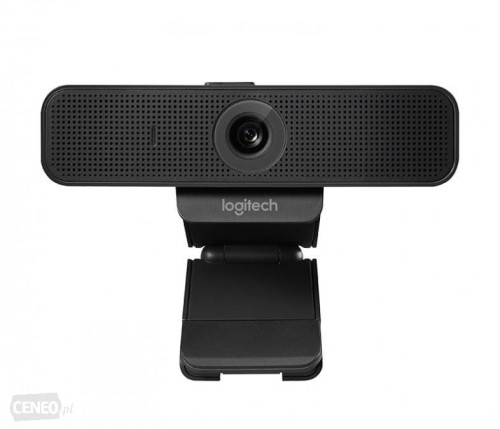


Minrray MG104 HD Video Conference Camera


Polycom EagleEye Mini + Monitor Kit
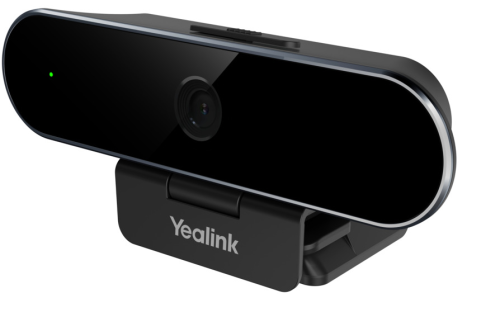
Who Benefits from Using a Webcam?
Anyone who regularly uses a webcam should consider investing in a dedicated device. Built-in laptop cameras typically cannot match the audio and video quality offered by external, well-designed, and calibrated accessories. High-quality equipment ensures not only excellent image quality but also superior sound—an aspect of webcams that is increasingly important today.
The desktop webcams available in our store boast impressive technical specifications. They meet the needs of both amateurs and professionals alike. When choosing the right device, it’s always wise to pay attention to several key features.
Key Specifications of Webcams
When searching for equipment that fits your needs, it’s important to closely examine the technical details. The best resolution comes from models offering HD quality. Resolution impacts the clarity and detail of the image. Some webcams feature autofocus, but models with manual focus adjustment provide a broader range of control.
The recorded video should also have smooth motion, which depends on the number of frames per second (fps) the device can capture. The higher this number, the better the overall video quality.
It’s also important to check the mounting options of a desktop webcam or webcam. Not all models attach directly to the monitor—some come with dedicated stands. The best choice depends on personal preference and setup requirements.
Our selection includes options for both mounting styles. With top manufacturers and competitive prices, our offer is hard to resist.

Bestsellery
-
Price $7.13Price $5.80without VAT
-
Price $54.37Price $44.20without VAT
-
Price $72.75Price $59.15without VAT
-
Price $181.49Price $147.55without VAT
-
Price $117.24Price $95.32without VAT
-
Price $60.51Price $49.19without VAT
-
Price $112.46Price $91.43without VAT
-
Price $83.62Price $67.98without VAT
-
Price $55.90Price $45.45without VAT
-
Price $57.56Price $46.80without VAT
-
Price $33.15Price $26.95without VAT
-
Price $108.23Price $87.99without VAT
-
Price $55.88Price $45.43without VAT
-
Price $57.70Price $46.91without VAT
-
Price $284.70Price $231.46without VAT
-
Price $158.87Price $129.17without VAT